Choose permissions
Select read, write and execute for Owner, Group and Other using the checkboxes.
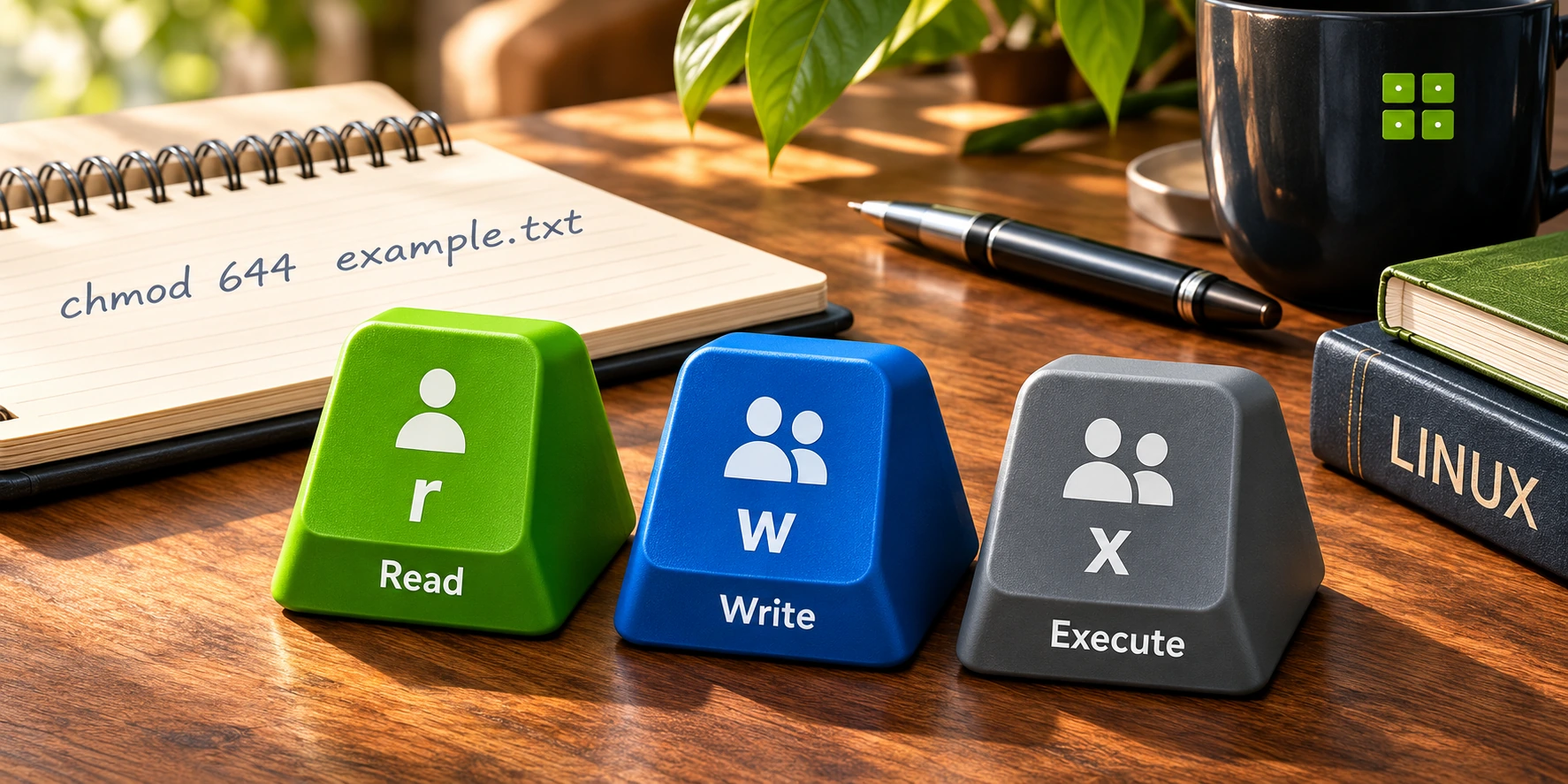
Translate permission bits
into octal and symbolic modes.
Loading the interactive tool…
| Read4 | Write2 | Execute1 | |
|---|---|---|---|
| Owner | |||
| Group | |||
| Other |
Enter exactly three octal digits, 000–777.
rw-r--r--This command is for preview only; nothing is executed.
Basic three-digit modes only.
Not ACLs or special bits.
Select read, write and execute for Owner, Group and Other using the checkboxes.
Read = 4, Write = 2, Execute = 1. Add the selected weights for each role.
Get the octal mode, symbolic mode and an example chmod command.
A file holds data, like a text file or script. A directory holds files and other directories. Both use the same permission model, but execute on a directory allows you to enter it.
On a file, execute permits running it as a program when other system requirements are met. On a directory, execute permits searching/accessing entries.
No. It previews a chmod command. No command is executed and no file on your device is changed.
No. This is a basic three-digit POSIX bit model. ACLs, special bits, privileged users and filesystem-specific rules are outside scope.
